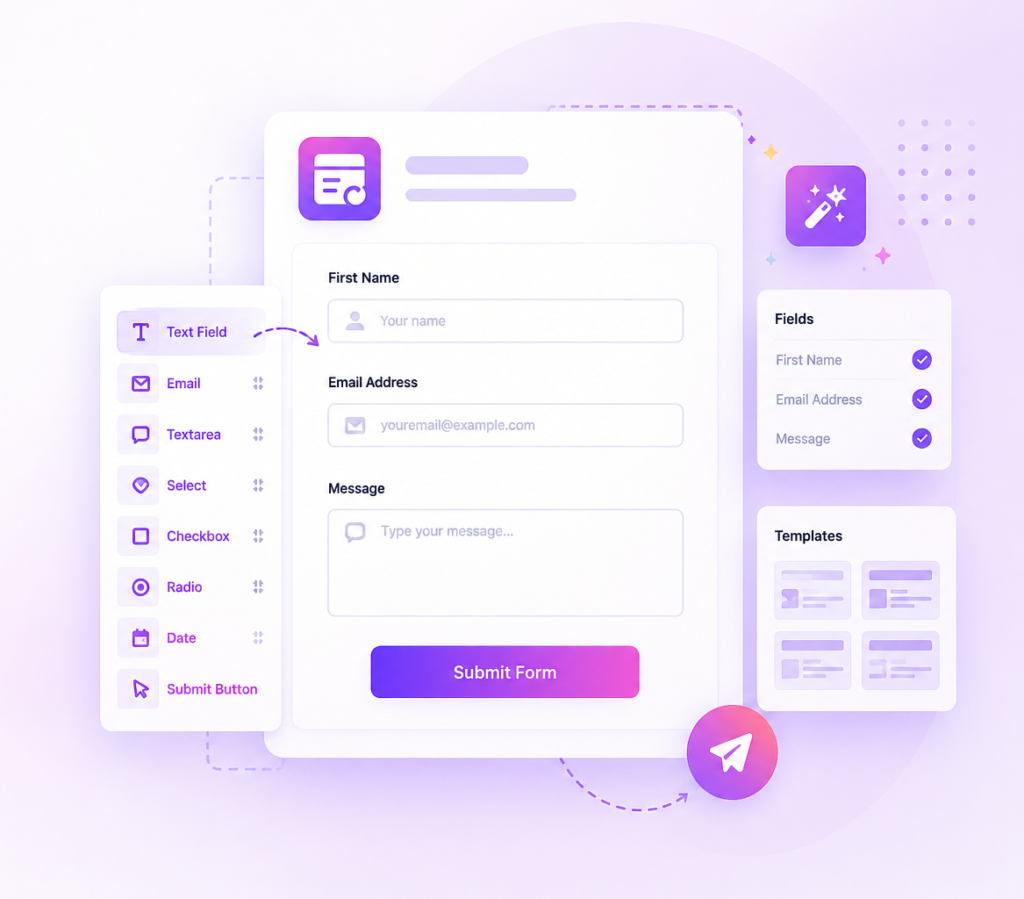
Impact form
How to Create a Contact Form in Elementor
A contact form is one of the most important elements of any website. Whether you...
Read More
Elementor widget pack with advanced design widgets.
Elementor grid widget addon with flexible card layouts and design controls.
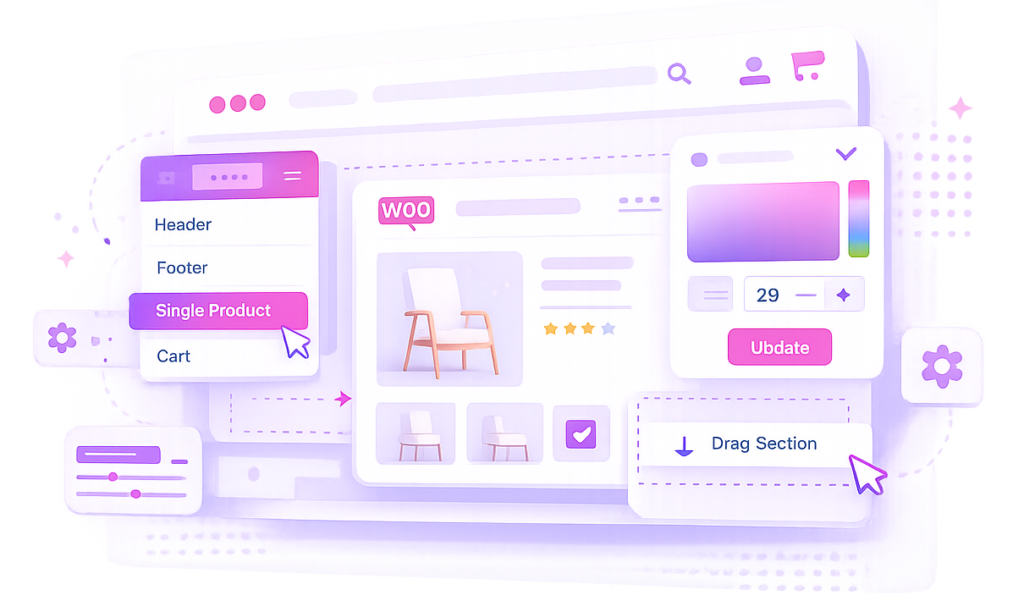
WooCommerce template builder for Cart and Checkout with Elementor-powered Impact Pro Templates.
Elementor contact form builder with submission storage and email workflows.
Display WordPress posts in clean list layouts with built-in pagination. Perfect for blogs, news websites, magazines, documentation portals, and content-rich websites that require organized post navigation.
Display dozens or hundreds of posts in structured list layouts.
Built-in pagination helps visitors browse content efficiently.
Automatically display and update WordPress posts.
Works perfectly on desktop, tablet, and mobile devices.
Explore post list layouts with pagination including blog archives, news sections, documentation listings, category pages, and content hubs.
No. Post Grid List Pagination is available exclusively in Impact Grid Addon Pro.
No. The widget works with Impact Grid Addon Pro and does not require Elementor Pro.
You can display WordPress posts, news articles, blog content, documentation entries, custom post types, and dynamic content.
Yes. Built-in pagination allows visitors to browse large collections of posts easily.
Yes. You can filter posts by category, tag, author, or custom query settings.
Yes. All list layouts and pagination controls are optimized for desktop, tablet, and mobile devices.
Yes. You can customize pagination buttons, typography, colors, spacing, and layout styling.
Yes. It is ideal for blog archives, news portals, documentation websites, and content-heavy platforms.
No. The widget is optimized for fast-loading Elementor websites.
Explore more Elementor widgets to build interactive and engaging website sections.
Impact Addons develops powerful Elementor plugins and Shopify solutions that help freelancers, agencies, developers, and businesses build better websites faster.
Not satisfied? Get a full refund within 30 days
100% secure payments and data protection.
Get quick help from our friendly support team.
We release updates and new features regularly.
Unlock premium layouts and advanced grid features
Get impact elementor bundle and save up to 40%
Unlock premium layouts and advanced widgets
Get impact elementor bundle and save up to 40%
Unlock premium layouts and advanced grid features
Get impact elementor bundle and save up to 40%
Please fill out the form below and we will get back to you as soon as possible