Impact form
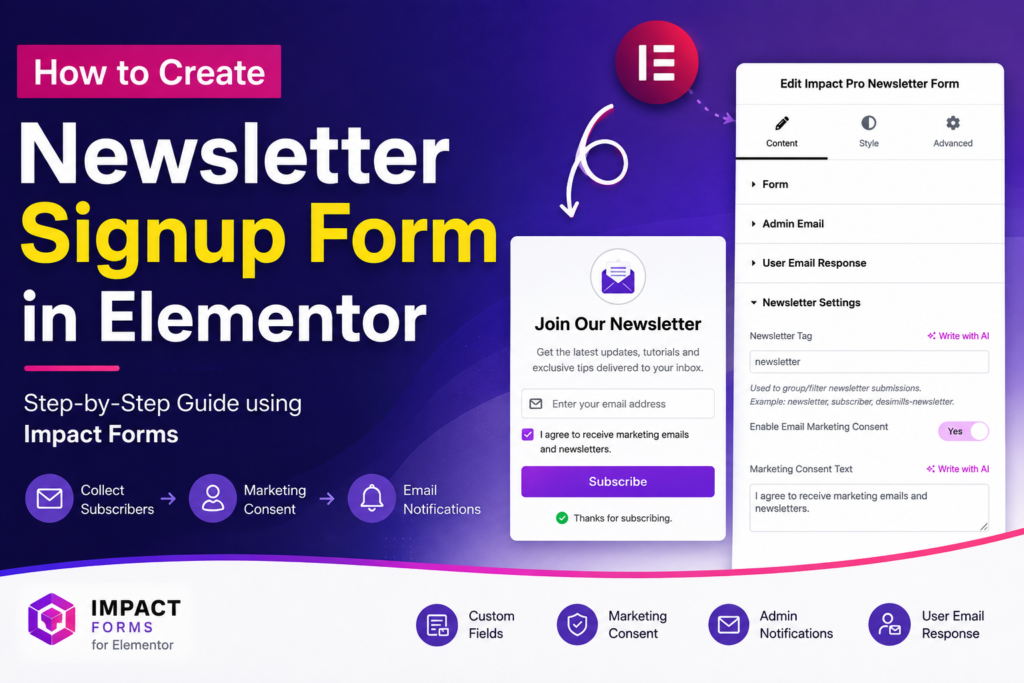
How to Create a Newsletter Signup Form in Elementor (5 Easy Steps)
Newsletter Signup Form in Elementor is one of the easiest ways to collect email subscribers...
Read MoreElementor widget pack with advanced design widgets.
Elementor grid widget addon with flexible card layouts and design controls.
WooCommerce template builder for Cart and Checkout with Elementor-powered Impact Pro Templates.
Elementor contact form builder with submission storage and email workflows.
Elementor Post Grid Blocks helps you display blog posts, news articles, portfolios, custom post types, and dynamic content in responsive grid layouts. Create organized content sections that improve content discovery, user engagement, and website navigation.
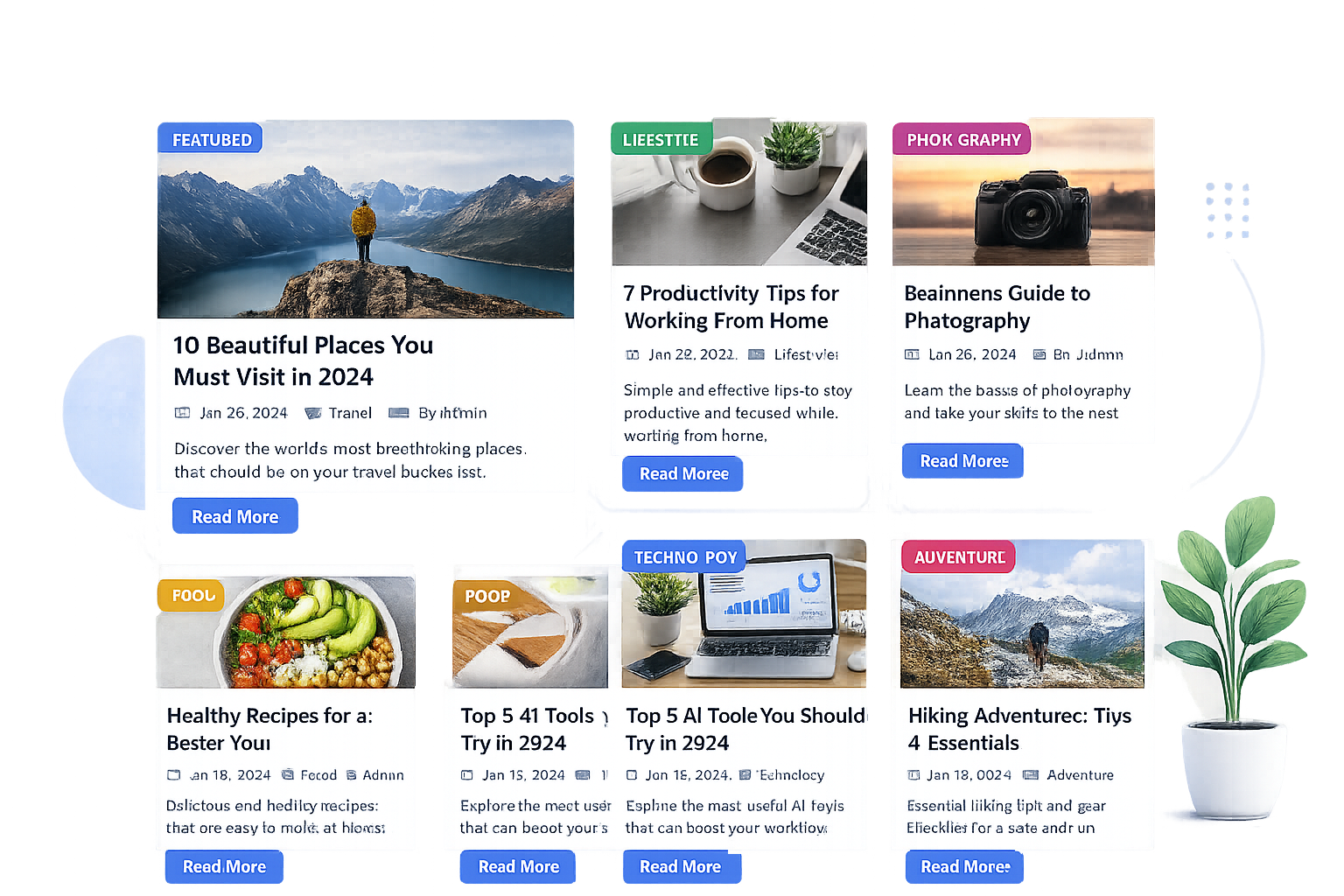
Elementor Post Grid Blocks allows you to showcase posts in structured grid layouts with advanced display options. It is ideal for blogs, magazines, news websites, portfolios, and business websites that publish large amounts of content.
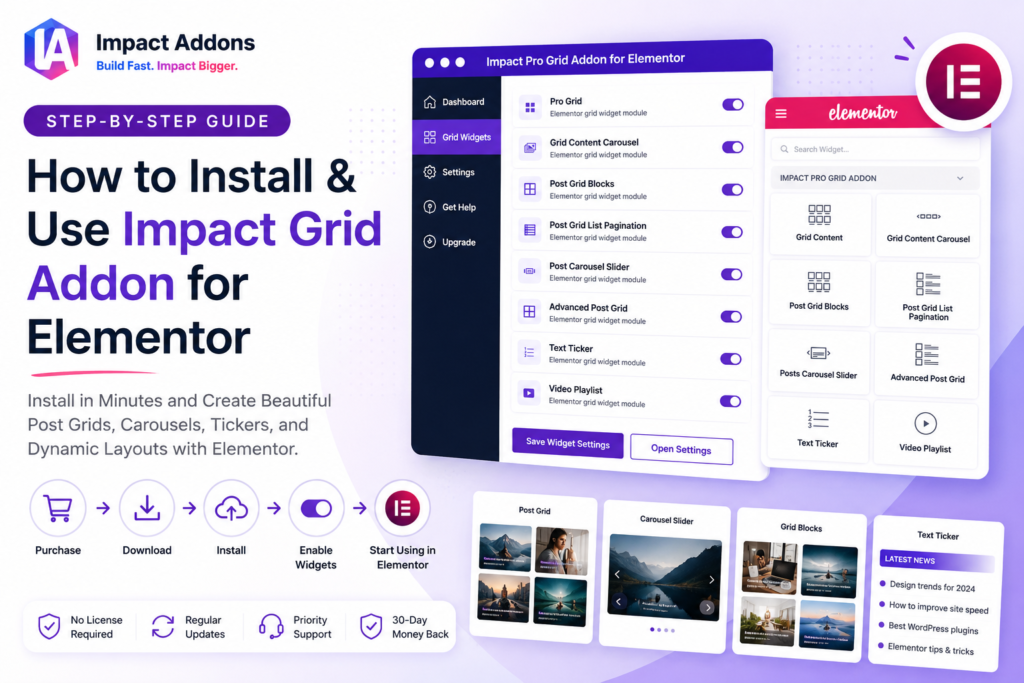
Elementor Post Grid Blocks allows you to display blog posts, articles, portfolios, and custom content in responsive grid layouts with advanced display controls.
No. Post Grid Blocks is available exclusively in Impact Grid Addon Pro.
No. Post Grid Blocks works with Impact Grid Addon Pro and does not require Elementor Pro.
You can display blog posts, news articles, custom post types, featured content, categories, and dynamic WordPress content.
Yes. You can filter and display posts from selected categories, tags, or content sources.
Yes. New posts are automatically displayed based on your selected query settings.
Yes. Elementor Post Grid Blocks is fully responsive and automatically adapts to desktop, tablet, and mobile devices.
Yes. Customize typography, colors, images, spacing, metadata, buttons, and layout styling.
Yes. The widget is perfect for blogs, magazines, news portals, content hubs, and publishing websites.
No. The widget is optimized for fast-loading Elementor websites.
Yes. Elementor Post Grid Blocks can be used to display posts, pages, portfolios, custom post types, and dynamic content in structured layouts.
You can use Elementor Post Grid Blocks for blogs, news sites, magazines, portfolios, business websites, documentation hubs, and content libraries.
Please fill out the form below and we will get back to you as soon as possible