








Elementor widget pack with advanced design widgets.
Elementor grid widget addon with flexible card layouts and design controls.
WooCommerce template builder for Cart and Checkout with Elementor-powered Impact Pro Templates.
Elementor contact form builder with submission storage and email workflows.
The Elementor Header and Footer Template helps you create fully customized website headers and footers using Elementor. Design navigation menus, logos, call-to-action buttons, sticky headers, contact information, social icons, and footer sections that match your website branding.
The Elementor Header and Footer Template gives you complete control over your website’s most important global sections. Create professional navigation experiences, improve branding consistency, and design custom layouts without modifying your theme files.
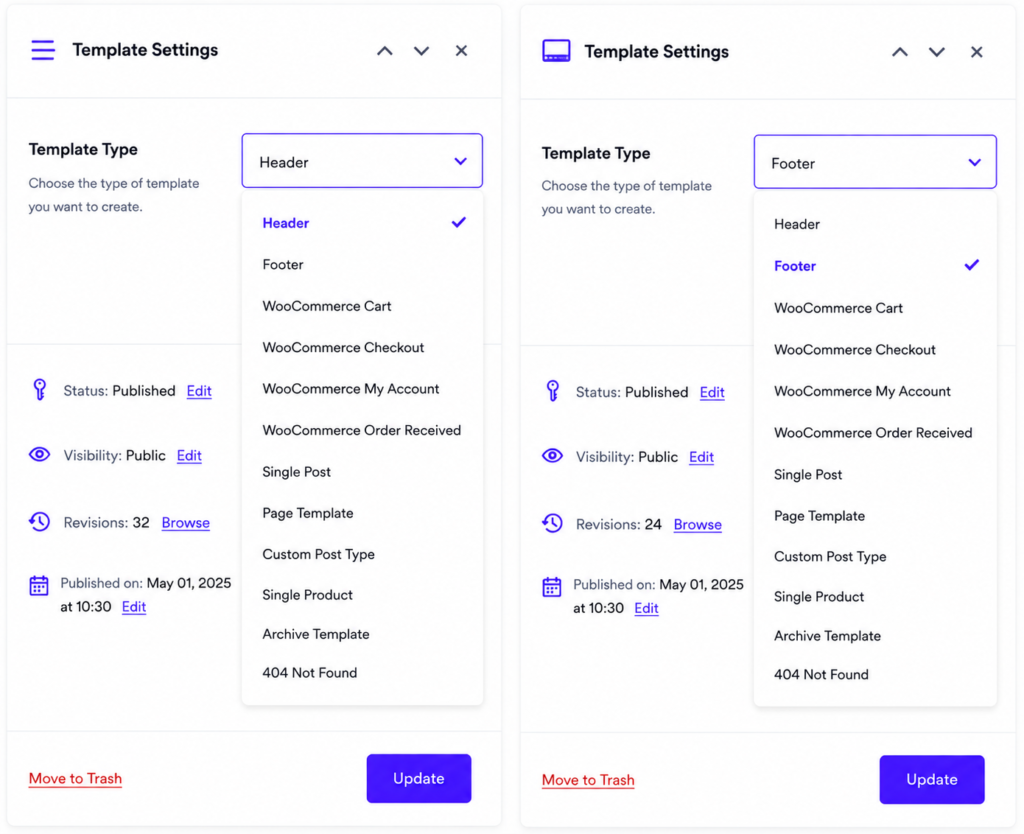
Impact Template Builder supports multiple template types, allowing you to design every important area of your website with Elementor. Create custom headers, footers, WooCommerce pages, blog layouts, product pages, archive templates, and more from one simple template system.
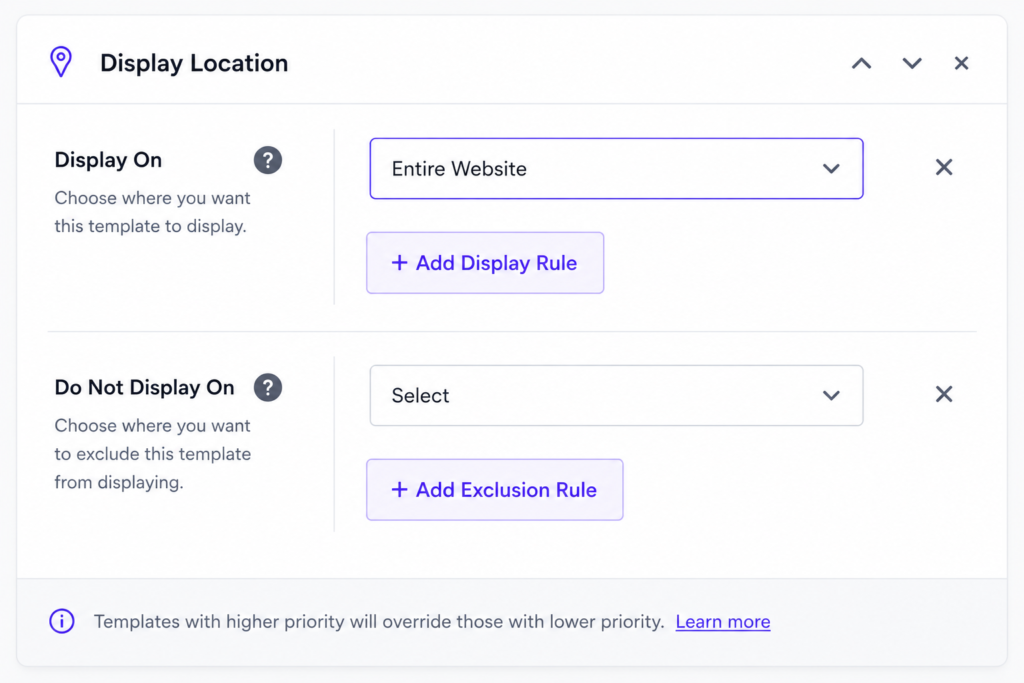
Control exactly where your templates appear across your website. Display Rules let you assign templates to your entire website, selected pages, posts, products, categories, or specific conditions. You can also use exclusion rules to prevent templates from showing in selected locations.
An Elementor Header and Footer Template allows you to create custom website headers and footers using Elementor. You can design navigation menus, logos, footer sections, and global website layouts without coding.
No. Header & Footer Builder is available in Impact Template Builder Pro.
Yes. Design fully customized website headers using Elementor’s drag-and-drop editor.
Yes. The Elementor Header and Footer Template allows you to create sticky headers that remain visible while visitors scroll through your website.
A custom Elementor Header and Footer Template improves branding, navigation, user experience, and website consistency while giving you complete design control.
Yes. You can create and assign different header templates based on page type, user conditions, or website sections.
Absolutely. You can create custom footer layouts with contact information, social media links, copyright text, navigation menus, newsletter forms, and other website content.
Yes. The Elementor Header and Footer Template is designed to work with most WordPress themes while giving you full design flexibility.
Yes. The Elementor Header and Footer Template is fully responsive and includes controls for desktop, tablet, and mobile layouts.
Please fill out the form below and we will get back to you as soon as possible