• Impact Forms
  • Pricing

Best Addon for Elementor

Post Search Widget for Elementor

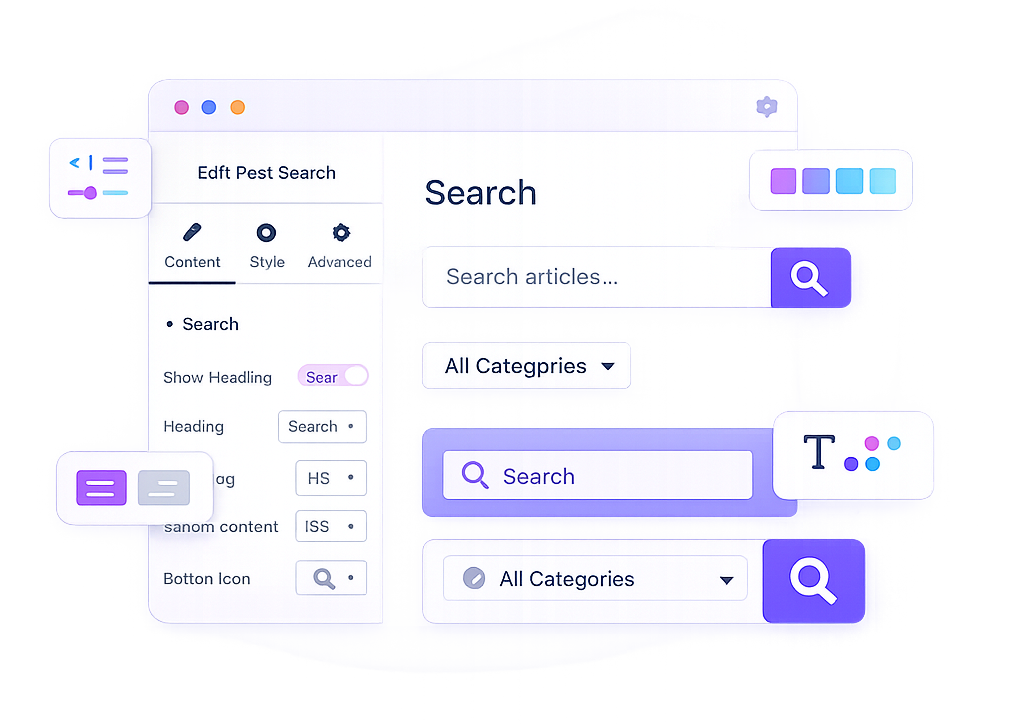
Help visitors quickly discover your content with the Post Search Widget for Elementor. Create beautiful and customizable search forms for blog posts with category filtering, flexible button styles, custom placeholders, and complete design control—all without writing code.

Post Search Widget

Why Usethe Post Search Widget ?

Improve content discovery by giving visitors a fast and intuitive way to search your website. The Post Search Widget combines powerful search functionality with flexible design controls, helping users find articles faster while keeping your search form perfectly aligned with your website’s style.

Fast Content Search

Help visitors quickly search and discover blog posts.

Category Filtering

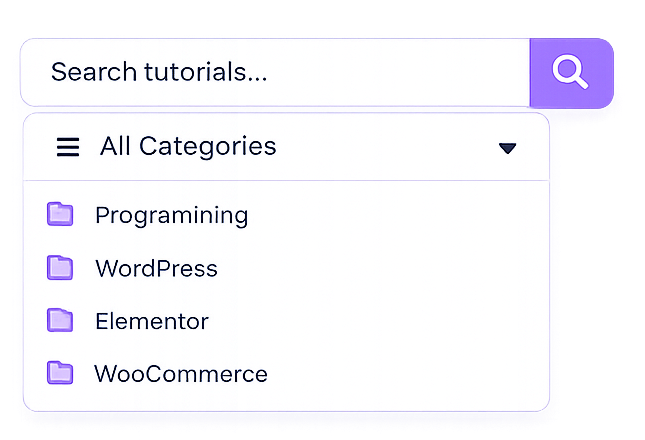
Allow users to narrow search results by selecting a specific category.

Custom Search Form

Customize headings, placeholders, search buttons, and layouts with ease.

Responsive Design

Create search forms that look great on desktop, tablet, and mobile devices.

WHAT CAN YOU DISPLAY?

Build a Better Search Experience

Create fully customizable search forms that help visitors find blog posts quickly. Personalize every part of the search form, from headings and placeholders to search buttons, colors, spacing, and typography, directly inside Elementor.

Custom Heading

Display an optional search heading with your preferred HTML tag.

Custom Placeholder

Guide visitors with personalized placeholder text inside the search field.

Post Search

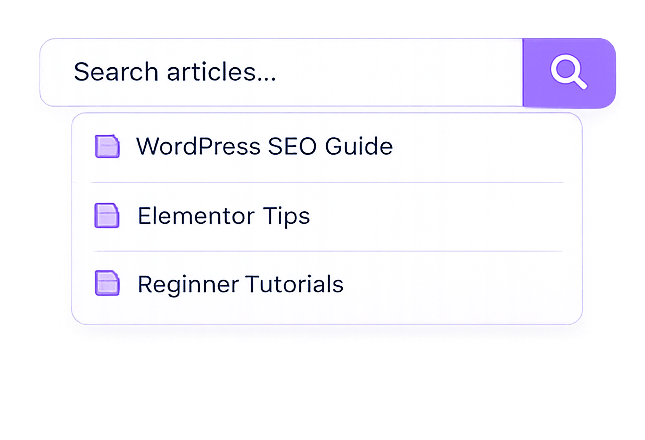
Search published blog posts instantly with a clean and intuitive search form.

Category Filter

Limit search results by category for more accurate content discovery.

Search Button

Choose icon or text buttons with complete styling control.

Full Design Control

Customize typography, spacing, colors, borders, radius, and button styles.

Build modern search forms withcustom headings, placeholders, category filters, responsive layouts,and complete Elementor styling controls.

PERFECT FOR

Perfect for Content-Driven Websites

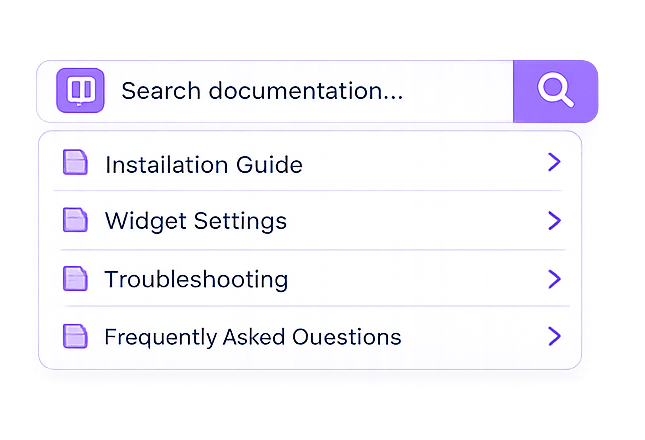
Whether you're running a blog, magazine, documentation website, or business website, the Post Search Widget helps visitors quickly locate the information they're looking for.

Blogs

News Websites

Documentation

Business Websites

Use Anywhere:Sidebars, headers, footers, product loops, popups, widgets, and more withElementor.

Key Features

The Post Search Widget includes customizable headings, placeholder text, category filters, flexible search buttons, responsive layouts, typography controls, color settings, spacing options, and complete Elementor design customization.

Search Heading

Custom Placeholder

Category Filter

Search Button

Typography Controls

Color & Border Controls

Responsive Layout

Elementor Friendly

FrequentlyAsked Questions

The Post Search Widget lets you add a customizable search form to your Elementor website, helping visitors quickly find blog posts through a clean and responsive search interface.

Yes. The Post Search Widget includes a category filter, allowing visitors to search posts within a specific category for more accurate and relevant results.

Absolutely. You can customize the heading, placeholder text, search button, typography, colors, spacing, borders, border radius, and other styling options directly in Elementor without writing code.

Yes. The widget is fully responsive and automatically adapts to desktop, tablet, and mobile devices, ensuring a smooth search experience on every screen size.

Ready to Help Visitors Find Content Faster?

Improve website navigation with the Post Search Widget for Elementor. Create beautiful, responsive search forms with category filtering and complete styling controls to help visitors quickly discover your blog posts and website content.

Related Widgets

Discover more content management widgets to improve website navigation, organize blog content, and help visitors explore your WordPress website more efficiently with Elementor.