Impact Addons
Build Fast. Impact Bigger
- Products
-
-
- Impact Widgets
Elementor widget pack with advanced design widgets.
Impact Grid AddonElementor grid widget addon with flexible card layouts and design controls.
Impact Template BuilderWooCommerce template builder for Cart and Checkout with Elementor-powered Impact Pro Templates.
Impact FormsElementor contact form builder with submission storage and email workflows.
-
-
- Widgets
-
- Templates
-
- Impact Forms
- Pricing
- Resources
- Support
Best Addon for Elementor
Site Logo Widget for Elementor
Show your website logo anywhere on your Elementor pages, headers, footers, landing pages, or templates using the Site Logo widget. Automatically display your WordPress site logo or use a custom logo with complete control over size, alignment, links, captions, responsive settings, and styling—all without writing a single line of code.
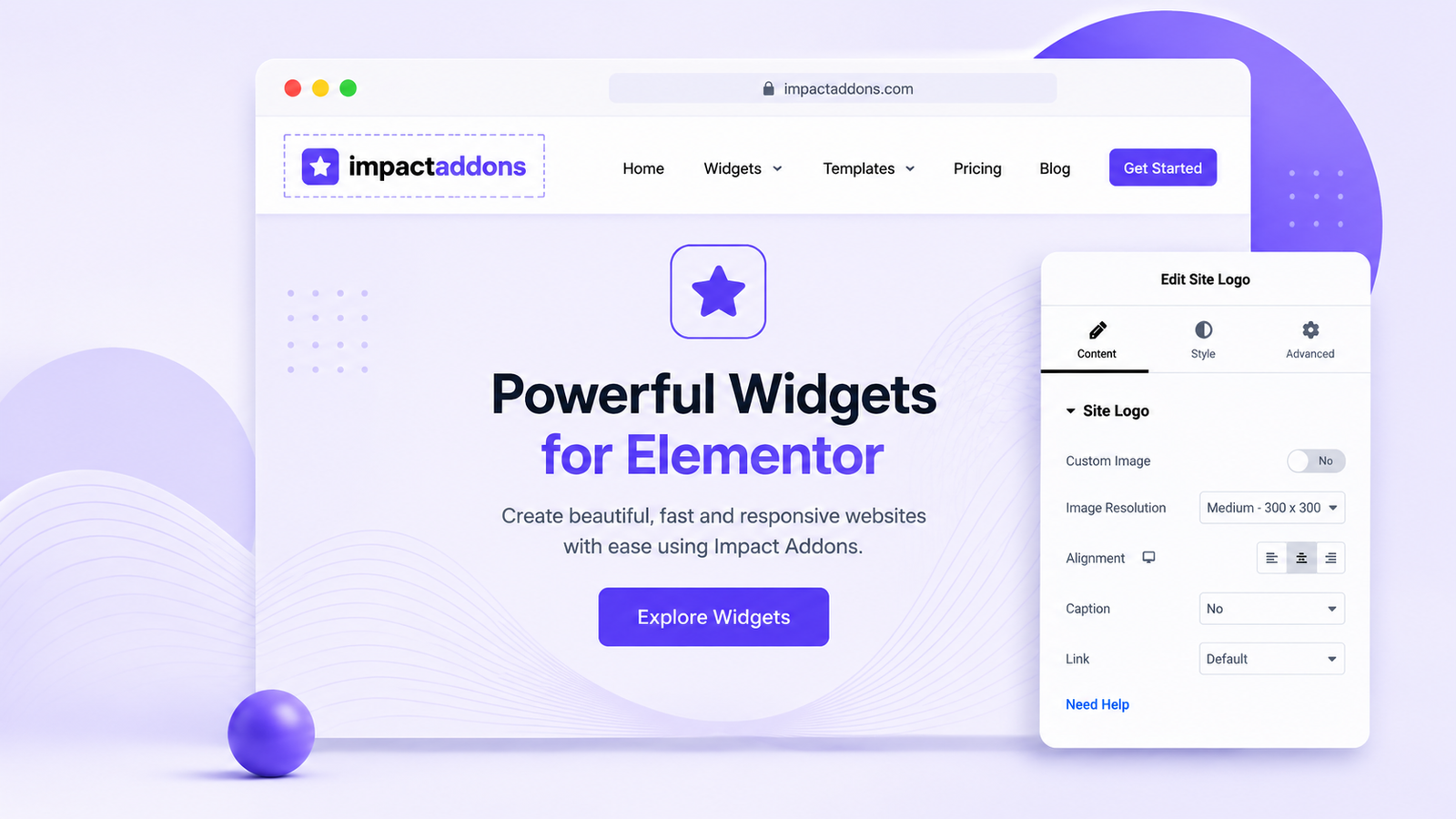
Display a professional and consistent brand identity across your entire website. The Site Logo widget lets you dynamically use your WordPress site logo or upload a custom logo for specific sections, ensuring flexibility while maintaining a polished appearance. It works perfectly with Elementor templates and responsive layouts.
The Site Logo widget helps you create professional branding throughout your Elementor website by displaying dynamic or custom logos with complete styling flexibility. Whether you’re building headers, footers, landing pages, or WooCommerce stores, you can manage your logo visually while keeping your branding consistent across every page.
What is the Site Logo widget?
The Site Logo widget displays your WordPress site logo or a custom logo anywhere inside Elementor layouts.
Can I use my WordPress Site Identity logo?
Yes. The widget can automatically display the logo configured in your WordPress Site Identity settings.
Can I upload a custom logo?
Yes. You can replace the default site logo with a custom logo for individual sections or templates.
Can I make the logo clickable?
Yes. Link the logo to your homepage or any custom URL.
Is the widget responsive?
Yes. It includes responsive controls for desktop, tablet, and mobile layouts.
Can I customize the logo style?
Yes. Customize alignment, width, borders, shadows, spacing, opacity, and more.
Does it work with Elementor?
Yes. The widget integrates seamlessly with Elementor’s drag-and-drop editor and supports both Elementor Free and Elementor Pro.
PRODUCTS
WIDGET LIBRARY
RESOURCES
SUPPORT
Copyright © 2026 Impactaddons. All Rights Reserved.
Impact Addons is proudly powered by WordPress