• Impact Forms
  • Pricing

Best Addon for Elementor

Post Tags Widget for Elementor

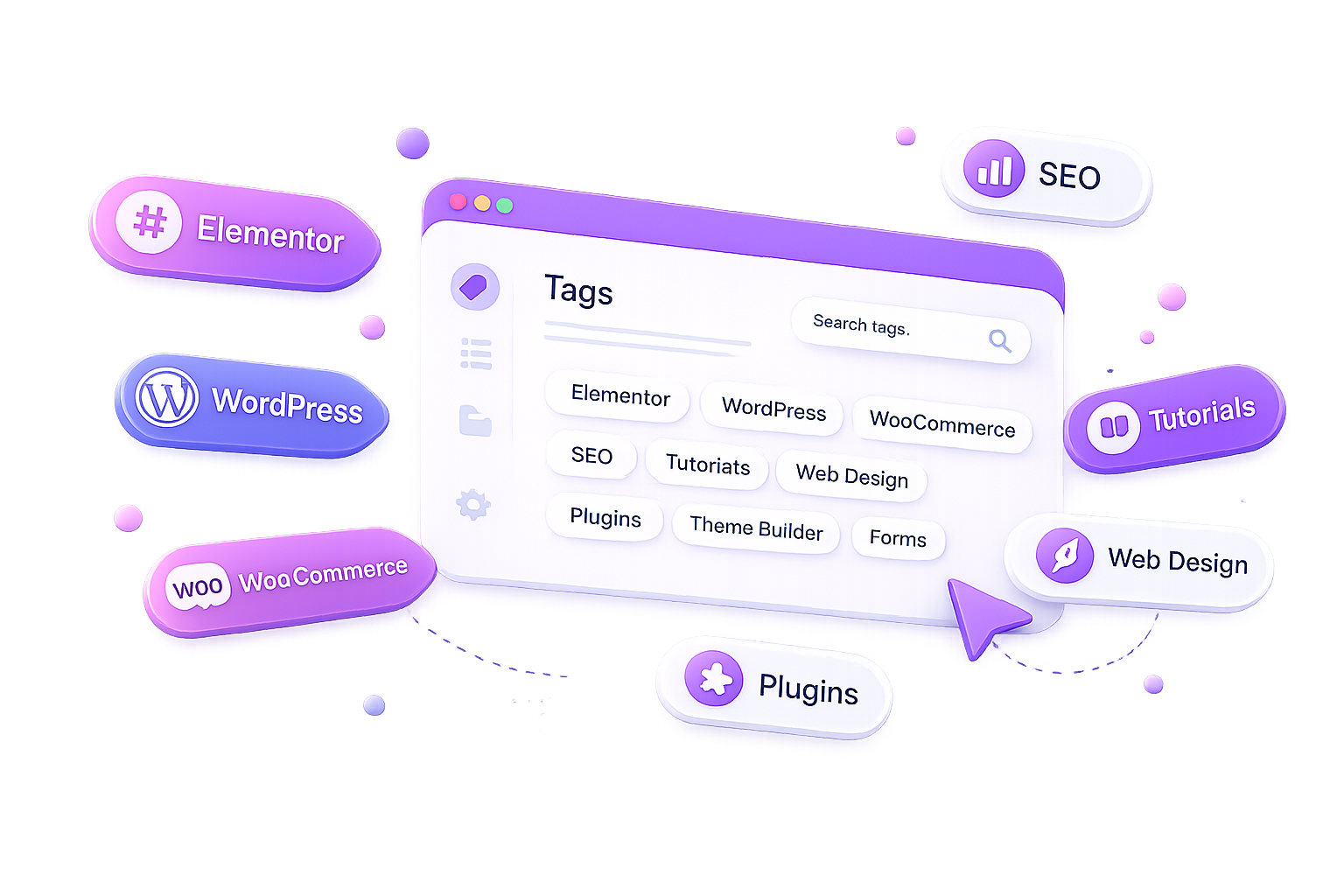
Display organized and stylish WordPress tags with the Post Tags Widget for Elementor. Showcase all tags or current post tags using customizable tag pills, flexible layouts, optional post counts, and complete design controls to improve content discovery.

Post Tags Widget

Why Usethe Post Tags Widget ?

Tags help visitors discover related topics and explore your content more efficiently. The Post Tags Widget lets you display WordPress tags in clean, responsive layouts with complete customization, making it easier for users to browse articles based on shared topics and keywords.

Display WordPress Tags

Show all tags or dynamically display tags assigned to the current post.

Flexible Tag Lists

Control the number of tags displayed, ordering, visibility, and layout.

Beautiful Tag Pills

Present tags using clean pill-style buttons that match your website design.

Complete Styling Control

Customize typography, colors, spacing, borders, radius, layouts, and responsive behavior directly in Elementor.

WHAT CAN YOU DISPLAY?

Display Tags Your Way

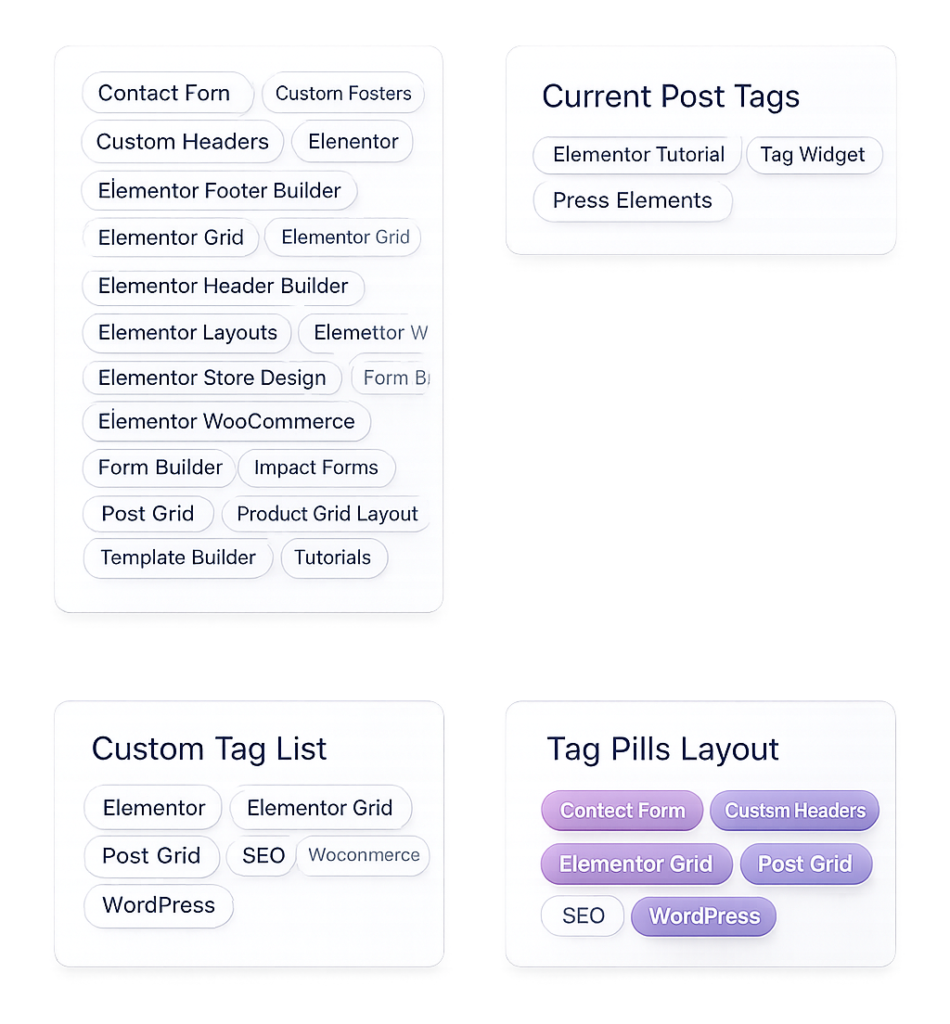
Create attractive tag lists with flexible display options, customizable layouts, optional post counts, and responsive styling to help visitors discover related content.

All Tags

Display every available WordPress tag automatically.

Current Post Tags

Show only tags assigned to the current blog post.

Custom Tag Lists

Limit the number of displayed tags and control their order.

Tag Pills Layout

Display tags as modern rounded pills with complete styling options.

Build modern search forms withcustom headings, placeholders, category filters, responsive layouts,and complete Elementor styling controls.

PERFECT FOR

Perfect for Content-Rich Websites

Whether you run a blog, magazine, documentation website, tutorial platform, or business website, the Post Tags Widget helps visitors discover related topics and navigate your content more efficiently.

Blogs

News Websites

Documentation

Business Websites

Use Anywhere:Sidebars, headers, footers, product loops, popups, widgets, and more withElementor.

Key Features

Create modern tag navigation using flexible tag sources, custom layouts, optional post counts, tag limits, responsive design, and complete Elementor styling controls.

Multiple Tag Sources

Maximum Tag Limit

Hide Empty Tags

Custom Ordering

Tag Pill Layout

Post Count Display

Responsive Design

Elementor Friendly

FrequentlyAsked Questions

The Post Tags Widget displays WordPress tags in Elementor using customizable tag lists that help visitors discover related topics and articles.

Yes. You can display all WordPress tags or dynamically show only the tags assigned to the current blog post.

Yes. The widget allows you to hide tags that are not assigned to any published posts, keeping your tag list clean and relevant.

Yes. The widget includes a Maximum Tags option, allowing you to control how many tags appear in the list.

Absolutely. You can customize tag pills, typography, colors, spacing, borders, border radius, layouts, and responsive styling without writing code.

Yes. The Post Tags Widget automatically adapts to desktop, tablet, and mobile devices for a consistent browsing experience.

Ready to Improve Content Discovery?

Help visitors explore related topics with the Post Tags Widget for Elementor. Display beautiful tag lists with flexible layouts, custom styling, and responsive design to create a better browsing experience.

Related Widgets

Combine the Post Tags Widget with the Post Search Widget, Post Categories Widget, Related Posts Widget, and Advanced Breadcrumb Widget to build a complete content navigation experience for your Elementor website.