• Impact Forms
  • Pricing

Best Addon for Elementor

Post Categories Widget for Elementor

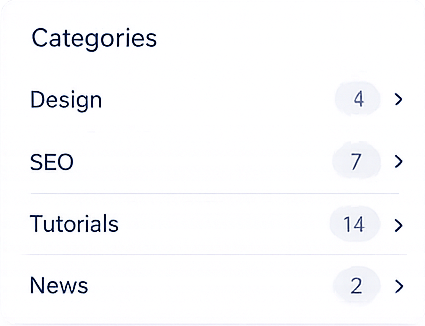
Organize your website content with the Post Categories Widget for Elementor. Display beautiful category lists with optional post counts, custom ordering, arrow icons, and flexible styling controls to help visitors explore your blog more efficiently.

Post Categories Widget

Why Usethe Post Categories Widget ?

A well-organized category list makes it easier for visitors to browse your content. The Post Categories Widget helps you display WordPress categories in a clean and customizable layout, improving navigation, content discovery, and user experience across blogs, news websites, documentation, and business websites.

Organized Category Lists

Display clean and structured category lists for your visitors.

Show Post Counts

Display the number of published posts in every category.

Flexible Category Display

Show all categories, selected categories, or categories from the current post.

Complete Design Control

Customize cards, typography, arrows, colors, spacing, and responsive layouts.

WHAT CAN YOU DISPLAY?

Display Categories Your Way

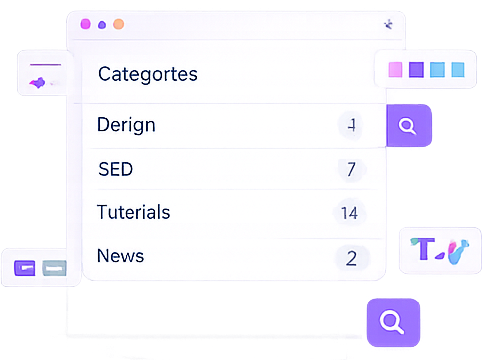
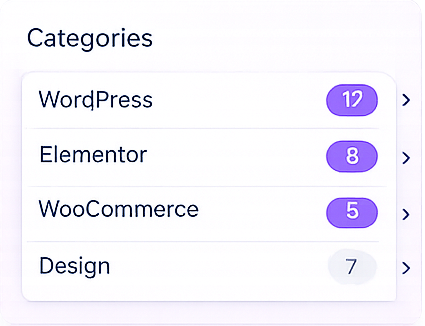
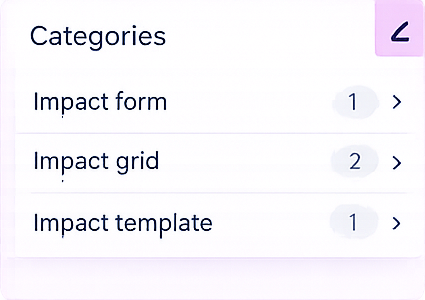
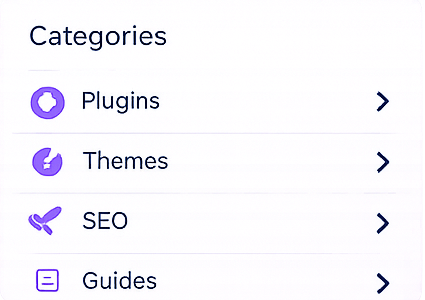
Show WordPress categories in multiple layouts with customizable ordering, post counts, navigation arrows, and complete Elementor styling controls.

All Categories

Display every WordPress category automatically.

Selected Categories

Highlight only the categories you choose.

Current Post Categories

Display categories assigned to the current post dynamically.

Categories with Post Counts

Show category names together with the total number of published posts.

Build modern search forms withcustom headings, placeholders, category filters, responsive layouts,and complete Elementor styling controls.

PERFECT FOR

Perfect for Content-Rich Websites

Whether you manage a blog, online magazine, documentation website, or business website, the Post Categories Widget helps visitors browse content faster through organized category navigation.

Blogs

News Websites

Documentation

Business Websites

Use Anywhere:Sidebars, headers, footers, product loops, popups, widgets, and more withElementor.

Key Features

Create beautiful category navigation using flexible category sources, post counts, custom ordering, arrow icons, responsive layouts, and complete Elementor design controls.

Multiple Category Sources

Post Count Display

Hide Empty Categories

Custom Ordering

Arrow Icons

Card Styling

Responsive Design

Elementor Friendly

FrequentlyAsked Questions

The Post Categories Widget lets you display WordPress categories in Elementor using customizable category lists with optional post counts and navigation arrows.

Yes. You can display all categories, selected categories, or categories assigned to the current post.

Yes. The Post Categories Widget allows you to hide categories that don’t contain any published posts, helping you keep your category list clean, relevant, and easy to navigate.

Yes. Simply enable the Post Count option to display the total number of published posts beside each category.

Yes. You can customize typography, colors, cards, arrows, spacing, borders, and responsive layouts directly inside Elementor without coding.

Absolutely. You can sort categories by different criteria and choose ascending or descending order, giving you full control over how categories are displayed to your visitors.

Ready to Organize Your Website Content?

Create clean and professional category navigation with the Post Categories Widget for Elementor. Help visitors discover your content faster using customizable category lists, post counts, and responsive layouts.

Related Widgets

Build a better content discovery experience by combining the Post Categories Widget with the Post Search Widget, Post Tags Widget, Related Posts Widget, and Advanced Breadcrumb Widget.