Impact Addons
Build Fast. Impact Bigger

- Products
-
-
Elementor
Impact WidgetsElementor widget pack with advanced design widgets.
Impact Grid AddonElementor grid widget addon with flexible card layouts and design controls.
Impact Template BuilderWooCommerce template builder for Cart and Checkout with Elementor-powered Impact Pro Templates.
Impact FormsElementor contact form builder with submission storage and email workflows.
-
-
- Widgets
-
-
Impact Widgets
Impact Grid Addon
-
-
- Templates
-
-
Impact Template Builder
-
-
- Impact Forms
- Pricing
- Resources
- Support
Best Addon for Elementor
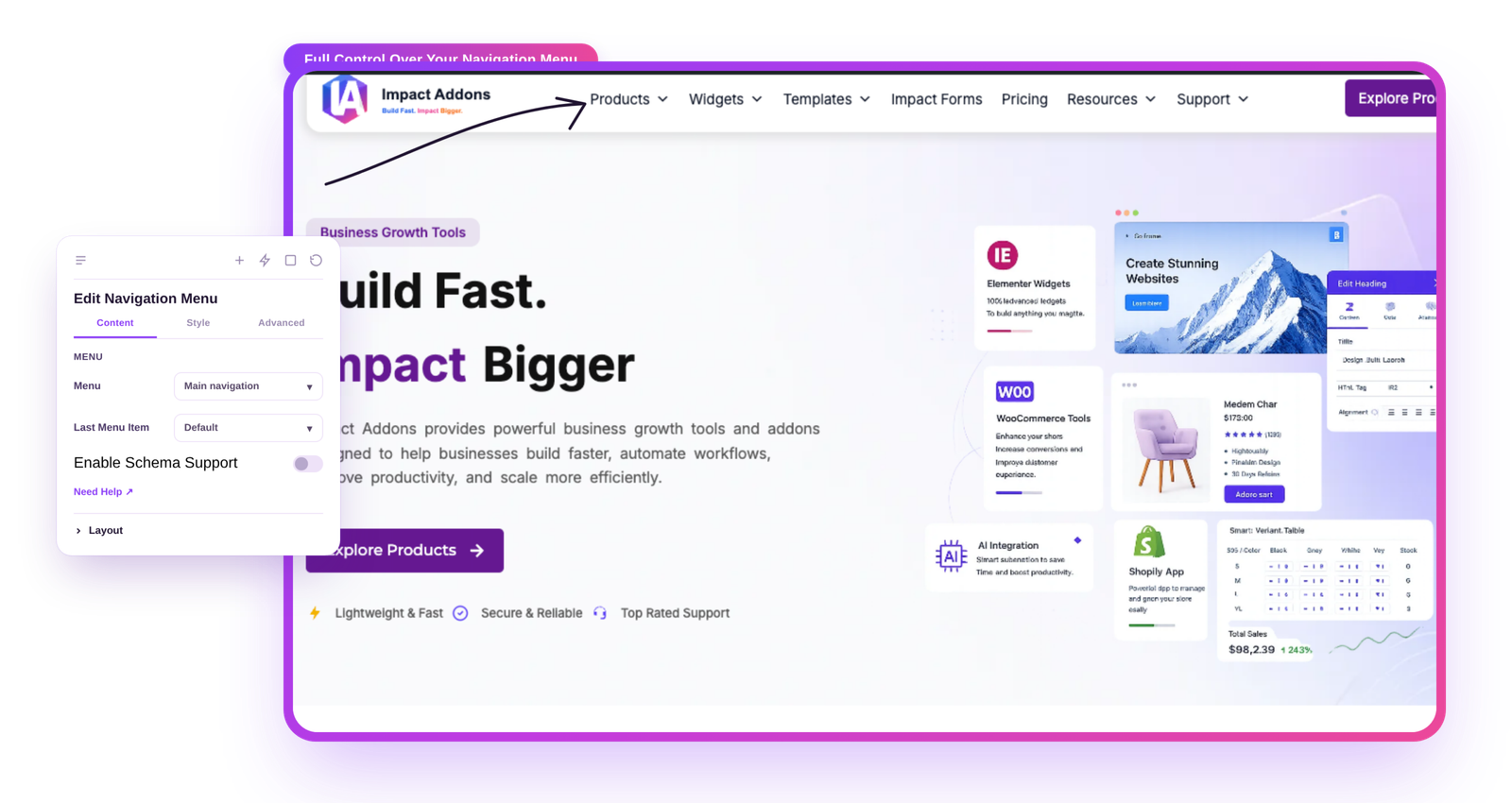
Navigation Menu Widget for Elementor
Create professional navigation menus with complete design flexibility using the Navigation Menu widget for Elementor. Build horizontal, vertical, mobile, sticky, and responsive menus with dropdown support, hover effects, icons, typography controls, and advanced styling—all without writing a single line of code.
Why UseNavigation Menu ?
Create responsive and visually appealing tables that help visitors compare products, understand fCreate modern, responsive, and user-friendly website navigation that improves visitor experience and helps users find content quickly. Customize every aspect of your menu, including layouts, colors, typography, hover effects, dropdowns, mobile menus, and responsive behavior—all visually inside Elementor. eatures, and explore information quickly. The Advanced Table widget gives you complete control over layout, styling, and content—without writing a single line of code.
Easy Website Navigation
Help visitors quickly find important pages, products, services, and content.
Mobile Hamburger Menu
Display a compact mobile menu with customizable toggle icons and responsive controls.
Flexible Menu Layouts
Build horizontal, vertical, sidebar, header, and landing-page navigation menus.
No Coding Required
Design and manage professional menus visually inside Elementor.
What Can You Display?
Build Professional Navigation Menus
Design fully responsive navigation menus for headers, landing pages, WooCommerce stores, portfolios, blogs, and corporate websites.
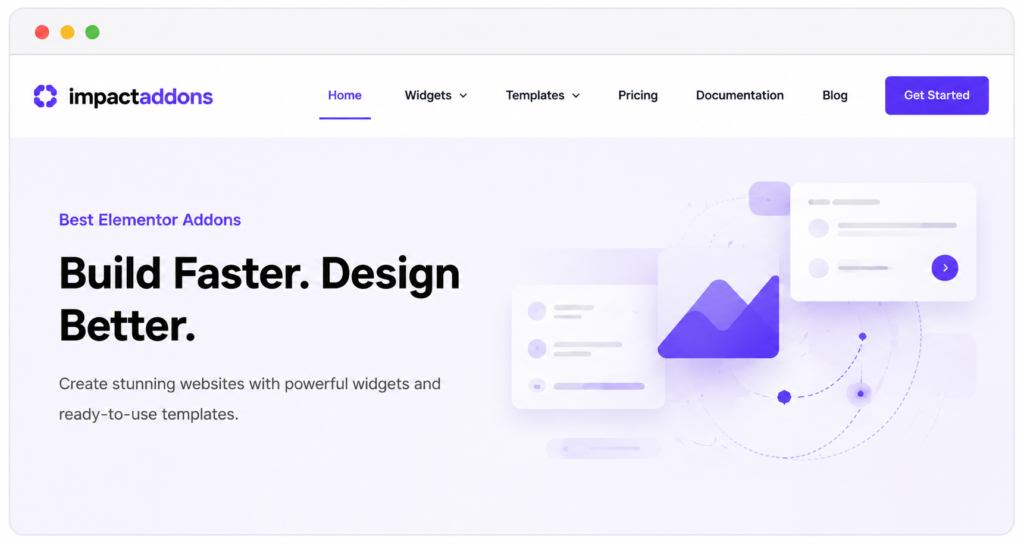
Morden Business Header
Clean horizontal navigation with hover effect.
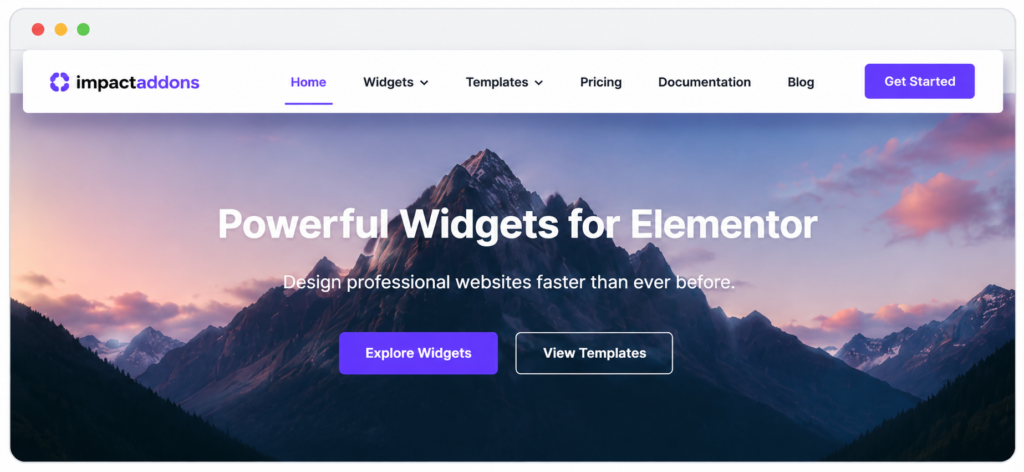
Stickey Navigation Menu
Transparent stickey header with active menu highlighting.
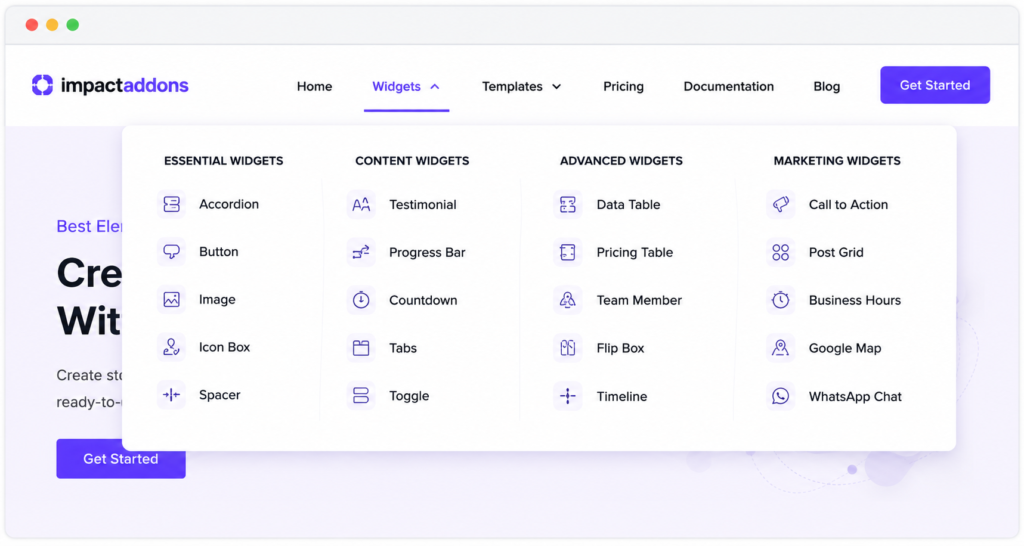
Mega Dropdown Navigation
Professional multi-level dropdown navigation.
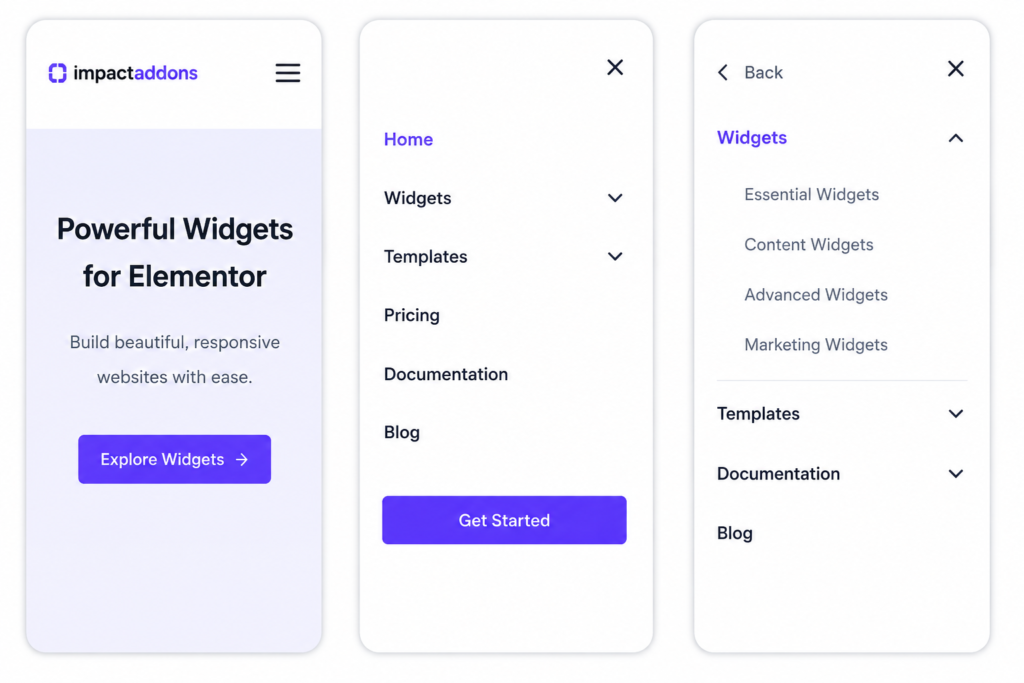
Responsive Mobile Menu
Hamburger navigation with animated mobile dropdown.
Create responsive navigation menususing dropdowns, hover animations, responsive breakpoints, mobile menus, typography controls, icons,and advanced styling.
PERFECT FOR
Perfect for Every WordPress Website
Whether you're building a business website, WooCommerce store, agency, blog, documentation portal, or portfolio, the Navigation Menu widget helps you create professional, responsive, and user-friendly website navigation across every device.
Business Websites
Professional website headers.
WooCommerce Stores
Product category navigation.
Agency Websites
Creative portfolio navigation.
Landing Pages
Single-page navigation menus.
Documentation Websites
Sidebar and vertical navigation.
Blog & Magazine Websites
Category and article navigation.
Perfect forBusiness Websites, WooCommerce Stores, Agencies, Landing Pages, Blogs, Documentation Portals, Portfolios,and Corporate Websites.
Key Features
The Navigation Menu widget gives you complete control over your website’s navigation, making it easy to build modern, responsive, and user-friendly menus. Customize layouts, dropdowns, mobile navigation, typography, colors, spacing, and hover effects to create a seamless browsing experience for every visitor.
Responsive Navigation
Multiple Layouts
Mobile Toggle Menu
Hover Effects
Dropdown Menus
Typography Controls
Complete Styling
Lightweight Performance
FrequentlyAsked Questions
What is the Navigation Menu widget?
The Navigation Menu widget lets you build responsive website menus with horizontal, vertical, dropdown, and mobile layouts directly inside Elementor.
Can I create responsive navigation menus?
Yes. The widget includes responsive controls for desktop, tablet, and mobile devices with customizable breakpoints.
Does it support dropdown menus?
Yes. You can create multi-level dropdown menus with submenu indicators and customizable styling.
Can I customize hover animations?
Yes. You can choose multiple pointer styles, hover effects, underline animations, and active menu indicators.
Can I create a mobile hamburger menu?
Yes. The widget automatically displays a customizable hamburger menu for mobile devices.
Can I customize colors and typography?
Absolutely. You can customize fonts, colors, backgrounds, borders, spacing, shadows, and hover styles to match your website branding.
Is it compatible with Elementor?
Yes. The Navigation Menu widget is built specifically for Elementor and integrates seamlessly with its drag-and-drop editor.
Ready to Build Better Website Navigation?
Create responsive navigation menus with dropdowns, hover animations, mobile menus, typography controls, and complete styling options. Build professional website headers that look great on every device.
Related Widgets
Discover more Impact Widgets for Elementor including Retina Logo, Breadcrumb, Copyright, Advanced Table, Search, Buttons, Headings, and many more to create professional Elementor websites with a consistent user experience.
Related Blogs and Articles
Learn how to create responsive Elementor headers, build custom navigation menus, design mobile-friendly websites, optimize user experience, and customize menus using our detailed tutorials and practical guides.
Impact Addons develops powerful Elementor plugins and Shopify solutions that help freelancers, agencies, developers, and businesses build better websites faster.
Follow Us
PRODUCTS
WIDGET LIBRARY
RESOURCES
SUPPORT
30-Day Money Back
Not satisfied? Get a full refund within 30 days
Secure & Reliable
100% secure payments and data protection.
Fast Support
Get quick help from our friendly support team.
Regular Updates
We release updates and new features regularly.
Copyright © 2026 Impactaddons. All Rights Reserved.
Impact Addons is proudly powered by WordPress