Best Addon for Elementor

Impact template builder​

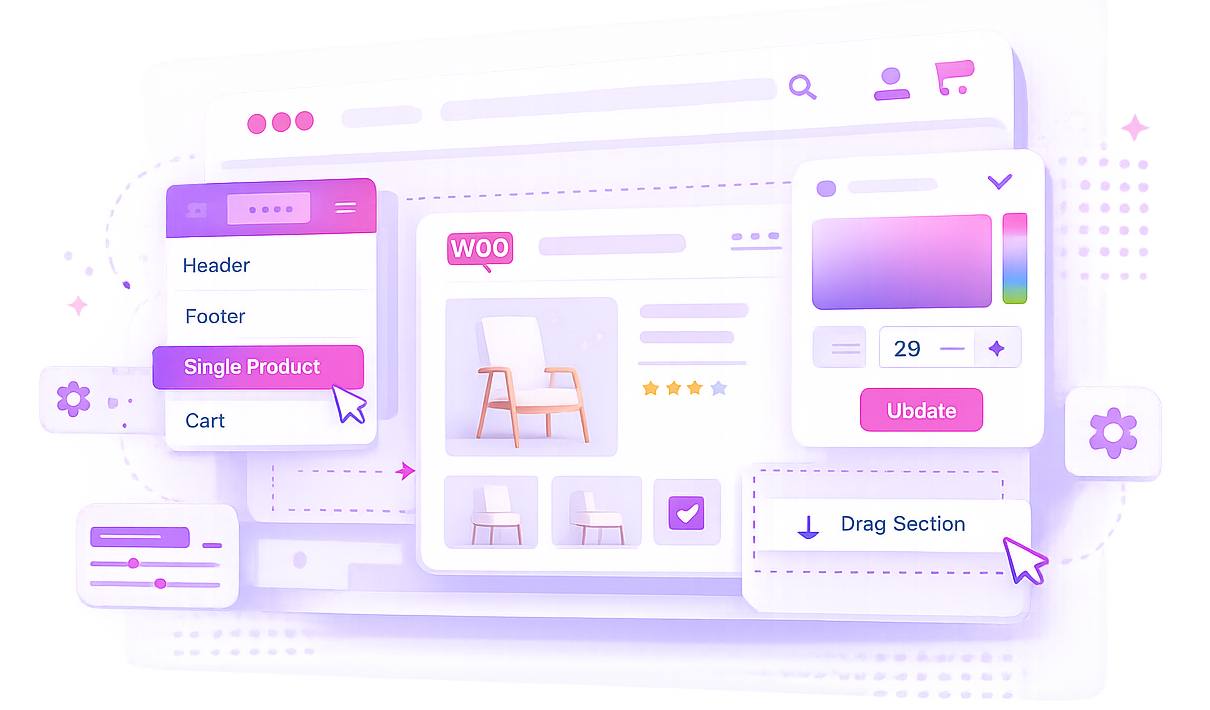
Design custom headers, footers, single post templates, WooCommerce pages, archive layouts, and dynamic website sections visually with Elementor. Build complete website templates without coding.

Build CompleteWebsite Templatesin Minutes

Design headers, footers, WooCommerce pages, blog layouts, and dynamic templates visually without coding.

Header & Footer Builder

Create custom headers and footers for any part of your website.

WooCommerce Templates

Design product pages, cart pages, checkout pages, and account pages visually.

Dynamic Content

Display dynamic post data, custom fields, and WooCommerce information.

Display Conditions

Control where templates appear using flexible display rules.

Impact Template Demo

Create custom WooCommerce pages, headers, footers, blog templates, and dynamic layouts with Elementor.

Why ChooseImpact Template Builder?

Impact Template Builder helps you design every part of your website visually, from headers and footers to WooCommerce pages and dynamic content templates.

Complete Website Builder

Design every website section visually.

WooCommerce Ready

Build custom store pages without coding.

Dynamic Content Support

Display post data, custom fields, and WooCommerce information.

Flexible Display Rules

Control where templates appear across your website.

OurPlans

Choose the perfect plan for your projects and upgrade anytime as your business grows.

Basic

For WordPress.org Users

Get Started win our tree dutis avallable on WordPress.org.

Premium

Best for single plugin users

Get Started win our tree dutis avallable on Advance feature

$49

/ year

Elementor Bundle

Best Value for Elementor Users

besour dementor socons inon powerful bundle and save more

$149

/ year

FrequentlyAskedQuestion

Impact Pro Template Builder is an Elementor-powered template builder for WordPress and WooCommerce. It helps you design custom headers, footers, Cart, Checkout, Order Received, Single Post, and Single Product templates without custom coding.

Yes. The plugin uses Elementor for designing and rendering templates, so Elementor must be active on your WordPress site.

WooCommerce is required for Cart, Checkout, Order Received, Single Product, and product widgets. Header, footer, and single post template features can still be used without WooCommerce.

You can create Header, Footer, WooCommerce Cart, WooCommerce Checkout, WooCommerce My Account, WooCommerce Order Received, Single Post, and Single Product templates.

Yes. You can build and assign custom headers and footers to specific pages, posts, or website sections using display conditions.

Yes. Header and Footer templates support Display On and Do Not Display On rules. You can target the entire website, post types, specific posts or pages, and URL paths such as /product or /product/*.

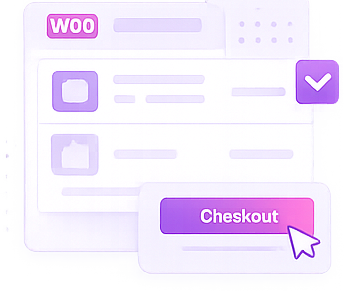
Yes. The plugin includes dedicated Cart and Checkout widgets, including cart items, cart totals, checkout steps, customer form, order summary, payment methods, and place order controls.

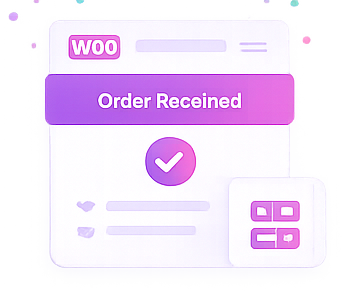
Yes. The Order Received template type lets you build a custom Thank You page with widgets for order notice, order overview, order details, customer details, license keys, and additional content.

Yes. Single Product templates can replace WooCommerce product detail pages and include widgets for product title, images, price, rating, short description, description, meta, add to cart, related products, and custom product meta.

Yes. Post Custom Meta and Product Custom Meta widgets can render meta keys as text, date, image, URL, email, number, or boolean values, with fallback text for empty fields.

No. Impact Pro Template Builder widgets are shown only when editing Impact Pro Template posts, so normal Elementor pages stay clean and focused.

Yes. Create custom archive layouts for blogs, categories, tags, and custom post types using Elementor.