Best Addon for Elementor
Elementor Form Builder for Modern Websites
Impact Forms is an Elementor Form Builder that helps you create contact forms, registration forms, profile forms, multi-step forms, and subscription forms without coding.
- Contact Form
- Signup Form
- Multistep Form
- Subscription Form
- Profile Display
- 30-Day Money Back
- Regular update
- Dedicated support
The Elementor Form Builder includes support for contact forms, registration forms, and advanced form layouts.
Create Any Form, Effortlessly
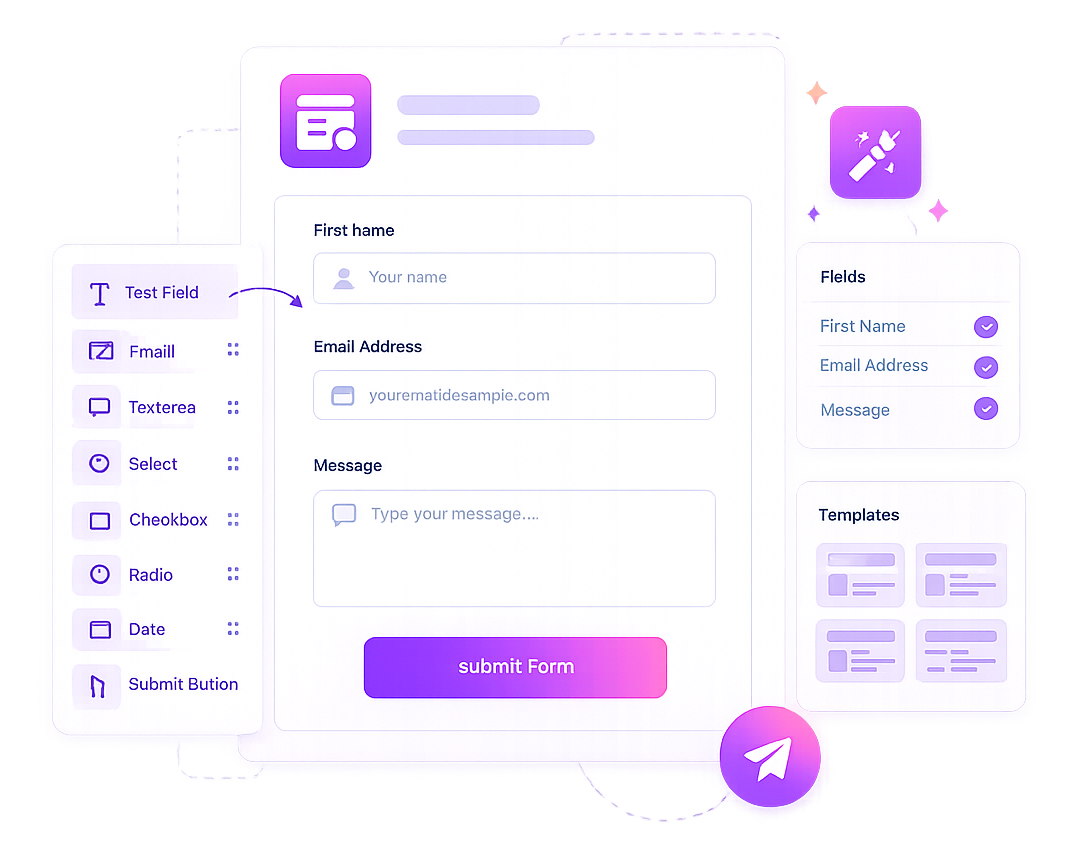
Build contact forms, registration forms, profile forms, multi-step forms, and subscription forms with an intuitive drag-and-drop experience.
Our Elementor Form Builder helps businesses collect leads and manage customer information efficiently.
Everything you need to build professional forms for any purpose.
Basic
For WordPress.org Users
- Impact Widgets (Free)
- 10 widgets
- Community
- Contact support
- Lifetime free uses
- Plugin FAQs
Premium
Best for single plugin users
Get Started win our tree dutis avallable on Advance feature
- 40+ Elementor widgets
- Impact Widgets Pro
- Impact Grid Pro
- Single site activation
- Premium widgets
- 1 Year Updates & support
- 30 days Refund Guarantee
Elementor Bundle
Best Value for Elementor Users
besour dementor socons inon powerful bundle and save more
- Impact Widgets
- Impact Grid
- Impact Forms Builder
- Impact Template Builder
- Premium FAQs
- Updates & support
- 30 days Refund Guarantee
What is an Elementor Form Builder?
Why Choose Impact Forms as Your Elementor Form Builder?
Impact Forms is a lightweight Elementor Form Builder that helps you build professional forms visually. Whether you need contact forms, lead generation forms, registration forms, or multi-step forms, our Elementor Form Builder gives you complete control over form design and functionality.
Which form widgets are included?
The plugin includes Contact Form, Newsletter Form, Signup Form, Multi Step Form, and Profile Display widgets.
Can I save and manage form submissions?
Yes. Impact Forms saves submissions in the WordPress admin. Contact, newsletter, and signup forms have clear submission areas so you can review entries, filter data, and manage form responses.
Does Impact Forms support email notifications?
Yes. You can send automatic email notifications after successful form submissions, helping you respond quickly to inquiries and leads.
Can I Create Multi-Step Forms with an Elementor Form Builder?
Yes. Our Elementor Form Builder supports multi-step forms, helping you create user-friendly form experiences for registrations, surveys, applications, and lead generation workflows.
Does the plugin support conditional logic?
Yes. You can show or hide fields and field groups based on another field value. Hidden conditional fields are skipped during validation, so visitors are not blocked by fields they cannot see.
Which field types are available?
Impact Forms includes text, password, email, URL, file upload, HTML, number, time, date, date range, phone, textarea, select, radio, checkbox, acceptance, GDPR, reCAPTCHA, group fields, and step fields.
Can I use Impact Forms for user registration?
Yes. The Signup Form widget can create WordPress user accounts. It supports username, email, first name, last name, password, confirm password, auto-generated passwords, and new user role settings.
Does Impact Forms support newsletter consent and integrations?
Yes. Newsletter forms can save marketing consent, consent text, consent date/time, newsletter tags, and integration status. Consented subscribers can sync to supported email marketing providers such as MailPoet and Mailchimp when configured.
Does Impact Forms include reCAPTCHA and analytics?
Yes. You can protect forms with Google reCAPTCHA v2 checkbox keys, and you can track form performance from the Analytics admin page with filters, metric cards, charts, latest submissions, and PDF-friendly reports.