Best Addon for Elementor

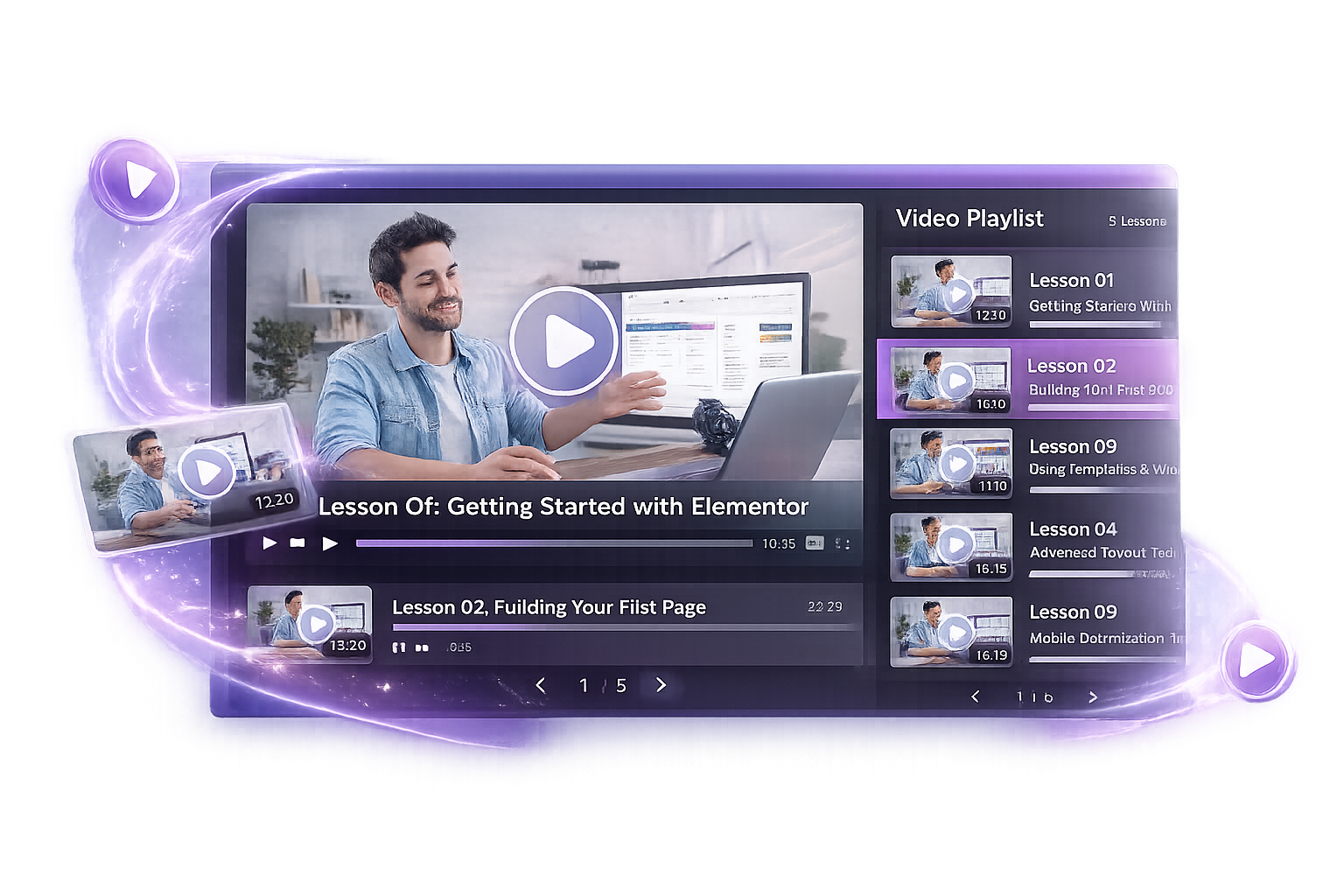
Video Playlist for Elementor

Create powerful, customizable headings with advanced styling options to make your content stand out. ImpactAddons Advanced Heading widget helps you design modern, eye-catching titles with full control—no coding required.

Why UseAdvanced Tabs?

Organize Content

Display large amounts of information in a clean layout.

Improve User Experience

Reduce scrolling and make navigation easier.

Save Space

Show more content without increasing page length.

Fully Responsive

Works perfectly on desktop, tablet, and mobile devices.

Live Widget Examples

Explore real examples of the Advanced Tabs widget and see how different layouts can be used on your website.

Unbelievable Los Angeles Cityscape

Feature a cinematic opener as the default active video in your playlist.

Key Features

Horizontal & Vertical Tabs

Fully Responsive

Elementor Compatible

Unlimited Tabs

Custom Icons

Advanced Styling Controls

Custom Content Support

Lightweight & Fast

FrequentlyAsked Questions

Yes. The Advanced Tabs widget works with Elementor and can be used on websites running Elementor Free. However, some advanced features and additional widgets are available only in the Impact Addons Pro version.

Absolutely. The widget supports both horizontal and vertical tab layouts, allowing you to organize content in the format that best suits your website design and user experience.

Yes. All tab layouts are fully responsive and automatically adapt to desktop, tablet, and mobile devices. You can also customize settings for different screen sizes directly within Elementor.

No. The widget is optimized for performance and follows Elementor best practices to ensure fast loading and smooth user experience.

Yes. The Advanced Tabs widget works with most modern WordPress themes that are compatible with Elementor.

Yes. You can display Elementor templates, sections, widgets, images, forms, and other custom content inside each tab, making it easy to create dynamic and reusable layouts.

Yes. The widget includes extensive styling controls for colors, typography, spacing, borders, backgrounds, icons, and hover effects, allowing you to match your website’s branding without writing CSS.

Yes. You can display icons alongside tab titles to improve navigation and make your tab sections more visually engaging.

Yes. There is no limit to the number of tabs you can create. Add as many tabs as needed to organize your content effectively.

Yes. The widget is perfect for FAQs, product details, service descriptions, pricing comparisons, feature showcases, and other content that benefits from organized navigation.

Ready to Build Better Tabs?

Build professional tabbed layouts for FAQs, pricing tables, forms, and custom content.

Related Widgets

Explore more Elementor widgets to build interactive and engaging website sections.